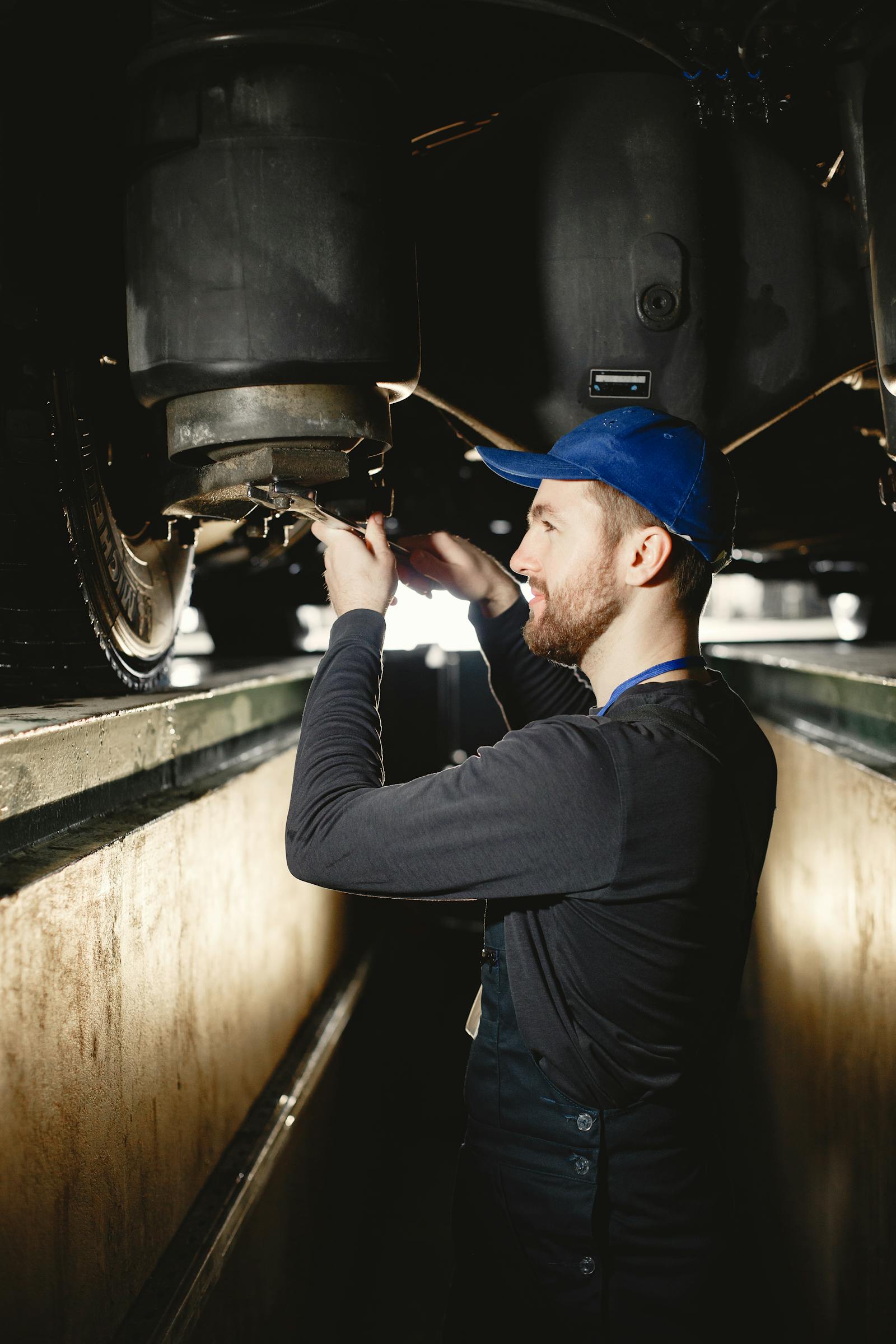
Digital Vehicle Inspections for Mobile Mechanics
Table of Contents
"Your brake pads are getting thin, you'll need to replace them soon."
How often have you said something similar to a customer, only to have them decline the work? Without visual proof, your recommendation feels like a sales pitch, not a genuine concern for their safety.
Now imagine showing the customer a high-resolution photo of their brake pads next to a fresh set, right at the wear indicator. Approval rates skyrocket.
This is the power of digital vehicle inspections for mobile mechanics. They transform how customers perceive your recommendations, dramatically increasing approval rates while building trust and positioning you as a transparent professional.
Why Digital Inspections Matter for Mobile Mechanics
The Trust Gap
Mobile mechanics face a unique trust challenge. Unlike established shops with recognizable brands and physical locations, you're a relative stranger working in a customer's driveway. When you recommend additional services, customers wonder:
- "Do I really need this, or is he trying to upsell me?"
- "How do I know the parts are actually worn?"
- "Can I trust his assessment?"
Digital inspections with photos eliminate this skepticism. Customers see the issue with their own eyes, transforming your recommendation from opinion to documented fact.
Professional Differentiation
Most mobile mechanics still use paper inspection sheets or verbal walkarounds. Digital inspections immediately differentiate you as a modern, professional operation. Customers remember the mechanic who sent them a detailed photo report, not the one who scribbled notes on a clipboard.
Documentation and Liability Protection
Digital inspections create timestamped records of vehicle conditions. If a customer declines brake service and has an accident two weeks later, your inspection documentation shows you identified and communicated the issue.
Service History Building
Inspection photos from six months ago showing brake pads at 50% become powerful sales tools when current photos show them at 10%. Visual progression proves the need.
The Revenue Impact of Digital Inspections
Average increase in repair approval rates with digital inspections vs. verbal recommendations
Let's quantify the impact with real numbers:
Scenario: Mobile Mechanic Without Digital Inspections
Weekly appointments: 20
Average additional recommendations per visit: 1.5
Average recommendation value: $300
Approval rate (verbal recommendations): 25%
Calculation:
20 appointments × 1.5 recommendations = 30 recommendations/week
30 × $300 = $9,000 in potential additional revenue
$9,000 × 25% approval rate = $2,250 in actual additional revenue/week
Scenario: Mobile Mechanic With Digital Inspections
Weekly appointments: 20
Average additional recommendations per visit: 1.5
Average recommendation value: $300
Approval rate (visual documentation): 60%
Calculation:
20 appointments × 1.5 recommendations = 30 recommendations/week
30 × $300 = $9,000 in potential additional revenue
$9,000 × 60% approval rate = $5,400 in actual additional revenue/week
Difference: $3,150/week = $163,800/year in additional revenue
Even accounting for the time investment in inspections (10-15 minutes per job), the ROI is massive. This doesn't even include the long-term value of increased customer trust and retention.
Essential Features of Digital Inspection Tools
Must-Have Features
1. Photo Capture
High-quality image capture directly through the app. The camera should be easily accessible and allow multiple photos per inspection point.
2. Annotation Tools
Ability to draw on photos, circles, arrows, highlights, to point out specific issues. A photo of a brake pad is good; a photo with an arrow pointing to the wear indicator is better.
3. Inspection Templates
Pre-built checklists for common inspections (multi-point, brake inspection, pre-purchase inspection, etc.). Customizable to add your own inspection points.
4. Condition Rating System
Clear visual indicators of component condition: Good/Fair/Poor or Green/Yellow/Red. Makes reports easy for customers to understand at a glance.
5. Mobile-Optimized Interface
Since you're working from your phone at job sites, the interface must be designed for mobile use, not a desktop app shrunk to fit a phone screen.
6. Instant Customer Delivery
Send inspection reports via text or email immediately while you're still on-site. Real-time delivery while the customer is engaged is far more effective than sending reports hours later.
7. Integration with Estimates/Invoices
Inspection findings should flow directly into estimates and invoices. Manually re-entering identified issues is inefficient and error-prone.
Advanced Features
- Voice notes: Dictate findings instead of typing
- Measurement tools: Digital calipers integrated into photos
- Before/after comparison: Side-by-side photos from current and previous inspections
- Customer-facing portal: Customers can view inspection history anytime
- Parts recommendations: Link inspection findings to specific parts and prices
The Digital Inspection Process
Step 1: Set Customer Expectations (Before Service)
When scheduling the appointment, mention: "I'll perform a complementary multi-point inspection and send you a detailed photo report showing the overall condition of your vehicle."
This sets expectations and positions the inspection as value-added service, not a sales tactic.
Step 2: Perform Systematic Inspection
Follow your checklist methodically:
- Exterior: Tires, lights, body condition
- Under hood: Fluids, belts, hoses, battery, air filter
- Undercarriage: Suspension, brakes, exhaust, leaks
- Interior: Wipers, cabin filter, pedal feel
Take photos of everything, both good conditions and issues. Showing customers what's in good shape builds trust and demonstrates thoroughness.
Step 3: Annotate and Rate
For each issue identified:
- Take a clear photo showing the problem
- Annotate with arrows or circles highlighting the specific issue
- Rate condition (Green/Yellow/Red or Good/Fair/Poor)
- Add brief notes explaining the issue and implications
Step 4: Review with Customer On-Site
Don't just email the report. Walk through it with the customer on your tablet or phone:
"Let me show you what I found. Here are your brake pads, see how the wear indicator is touching the rotor? You've got about 10-15% left. Here's what new pads look like for comparison. I'd recommend replacing these within the next month."
Visual presentation with in-person explanation is the most powerful combination.
Step 5: Send Digital Report
Even after the on-site review, send the full report via email or text:
- Customer can review at their own pace
- Easy to share with spouse or decision-maker
- Creates permanent record
- Provides link to approve recommended services
Step 6: Follow Up on Recommendations
For issues the customer declined, set reminders in your CRM to follow up in 1-3 months (depending on urgency). Reference the original inspection photos when you reach out.
Digital Inspection Software for Mobile Mechanics
Trackara Pro: Integrated Digital Inspections
Recommended Solution
Pricing: $49.99/month (digital inspections included)
Best for: Mobile mechanics who want inspections integrated with their complete workflow
Trackara Pro includes comprehensive digital inspection tools purpose-built for mobile mechanics:
Inspection Features:
- Photo capture on every inspection point (iOS and Android)
- Video capture on iOS, record or pick from your library, up to 30 seconds per clip
- Pre-built templates for common inspection types
- Custom template creation
- Pass / Fail / Needs Attention status per item, color-coded
- Customer-shareable summary with photos and notes
Mobile Optimization:
- Complete inspections from your phone in under 10 minutes
- Works offline, photos sync when connectivity returns
- Large, glove-friendly interface
- Quick photo retake if needed
Workflow Integration:
- Inspection findings auto-populate into estimates
- One-click conversion from inspection items to estimate line items
- Photos attach to invoices automatically
- Inspection history stored in customer records
- Before/after photo comparison from previous inspections
Customer Experience:
- Professional branded inspection reports
- Instant delivery via text or email
- Mobile-optimized viewing for customers
- Approve recommended services directly from report
Because inspections integrate with Trackara Pro's scheduling, invoicing, and CRM, data flows seamlessly without duplication.
See our full mobile mechanic software comparison.
Alternative Digital Inspection Tools
AutoVitals: Powerful but expensive ($299-$599/month). Designed for shops, not mobile operations. Overkill for most mobile mechanics.
BOLT ON TECHNOLOGY: Similar to AutoVitals, strong features but shop-focused and pricey ($199-$399/month).
Basic approach (photos + generic apps): Take photos with your phone camera, annotate using generic photo editing apps, manually attach to emails. Time-consuming, unprofessional, no integration. Free but inefficient.
Digital Inspection Best Practices
1. Inspect Everything, Every Time
Even if a customer books for a specific service, perform a multi-point inspection. You never know what additional needs you'll discover, and comprehensive inspections build trust.
2. Document Good Conditions Too
Don't only photograph problems. Show customers what's in good shape: "Your tire tread is excellent, these have plenty of life left." This proves you're thorough, not just looking for upsells.
3. Use Comparative Photos
Keep reference photos of new parts on your phone. Place a new brake pad next to the customer's worn pad in the same frame. Visual comparison is powerful.
4. Prioritize Findings
Clearly indicate urgency:
- Red/Immediate: Safety issues requiring immediate attention
- Yellow/Soon: Items to address in next 1-3 months
- Green/Monitor: Watch these, may need attention in 6+ months
5. Keep Photos Organized and Professional
- Clean the component before photographing when possible
- Use good lighting, consider a portable LED work light
- Frame photos clearly showing the issue
- Keep your fingers out of the frame
- Avoid distracting backgrounds
6. Explain in Customer-Friendly Language
Avoid jargon in your notes:
Bad: "CV boot torn, axle contaminated"
Good: "The protective rubber boot on your front axle is torn, allowing grease to leak out. This will cause the axle to fail if not replaced soon."
7. Time Your Inspections Appropriately
For routine maintenance appointments, perform inspection after completing the primary service. You've already earned trust by doing quality work on what they came for, now they're more receptive to additional recommendations.
Customer Communication Strategies
Present Findings in Person First
Walk through the inspection report with the customer on-site before emailing it. In-person presentation allows you to:
- Answer questions immediately
- Read customer reactions and adjust approach
- Build rapport and trust
- Get immediate approval for urgent items
Offer Choices, Not Mandates
"Based on the inspection, I'd recommend addressing the brakes now and the alignment within the next month or two. Would you like me to take care of the brakes today, or would you prefer to schedule that for next week?"
Giving customers control over timing increases approval rates.
Separate Safety from Maintenance
Frame safety issues differently than routine maintenance:
Safety: "Your brake pads are at 5%, this is a safety concern. I strongly recommend we replace these today."
Maintenance: "Your cabin air filter is dirty but not urgent. I can replace it today for $40, or you can wait until your next service."
Follow Up on Declined Services
If a customer declines recommended services, document their decision and set a follow-up reminder:
"I understand you'd like to wait on the brake service. I've noted that in your file. I'll check in with you in a month to see if you'd like to schedule that work."
This shows you care about their vehicle, not just making a sale today.
Conclusion: Visual Proof Drives Revenue and Trust
Digital vehicle inspections aren't optional extras for modern mobile mechanics, they're essential tools that simultaneously increase revenue and build customer trust.
The investment is minimal: just 10-15 minutes per appointment using tools like Trackara Pro that are already part of your business management platform. The return is substantial: 50-70% higher approval rates on recommended services, translating to tens of thousands in additional annual revenue.
More importantly, digital inspections position you as a transparent professional who backs up recommendations with evidence. In a industry where trust is everything, that positioning is invaluable.
Create Professional Digital Inspections in Minutes
Trackara Pro's integrated inspection tools help you document vehicle conditions, increase approval rates, and deliver exceptional customer experiences, all from your phone.
Start Your Free Trial✓ 14-day free trial ✓ Unlimited inspections ✓ Cancel anytime