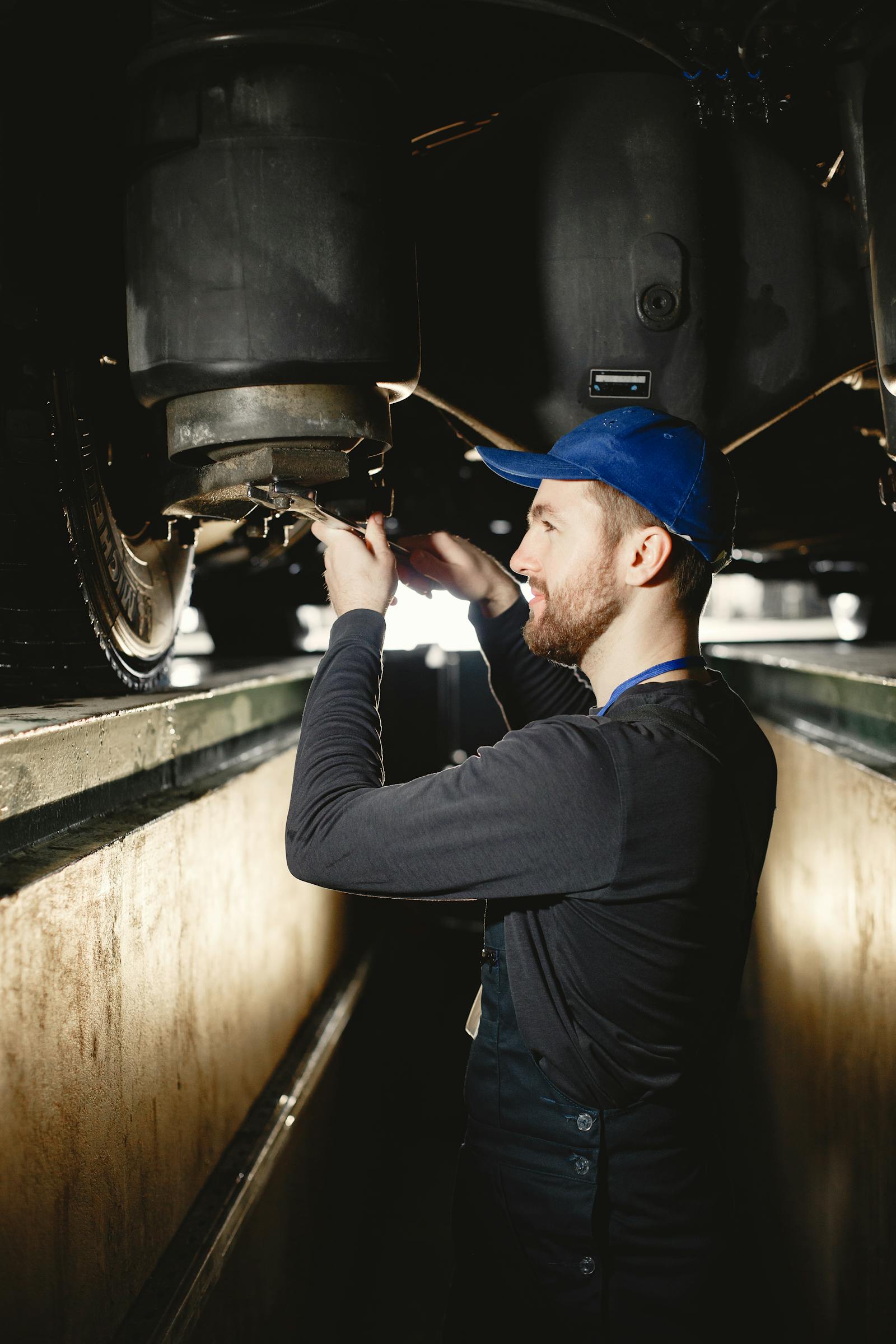
Digital Vehicle Inspections: Why Video Closes Jobs Photos Don't
You're under a 2014 Camry doing a brake job and you notice the inner CV boot is split, throwing grease across the lower control arm. You snap two photos, send them to the customer with a quote for $310 to replace the axle. Customer reads it, says "I'll think about it," and never books.
Three weeks later the axle blows on the freeway, the customer pays $1,400 to a shop, and now they don't trust mobile mechanics because "the last guy didn't show me anything that bad." You showed them a photo. They saw a black blob. Photos don't sell upsell. Video does.
Mobile mechanics who run a digital vehicle inspection (DVI) workflow with photos only are leaving 30-50% of legitimate, justified upsell on the table. The fix isn't more photos. It's a 30-second narrated video walkaround attached to every inspection, and a vehicle record where everything lives forever. Below is the formula, what to narrate, and how to wire it into your job flow without adding 20 minutes to every visit.
Why Photo-Only DVI Underperforms
The big chains, Tekmetric, AutoVitals, Shopmonkey, all evangelize DVI with photos. They have customer data showing photo-DVI converts more upsell than no DVI. That's true. But they don't tell you what video does on top of photos. Internal data from shops that A/B-test photo vs. photo+video sees video close rates 2-3x higher on items over $200. Why?
- Photos remove context. A photo of a leaking valve cover gasket looks like an oily blob to a customer who has never opened a hood. They don't know what they're looking at.
- Video preserves motion and sound. A wheel bearing only screams when the wheel turns. A worn idler pulley only squeaks under load. A photo can't capture that.
- Narration replaces a service writer. When you narrate the video, "see how the boot is torn here, that's grease all over the suspension arm, that's why it's leaving spots on the driveway", you're doing the work a service advisor in a brick-and-mortar shop would do face-to-face. Mobile mechanics don't have that buffer; the customer is sitting in their kitchen waiting for an estimate. Video puts you back in the conversation.
- Trust transfer. Photos can be staged or stock. A 30-second video with your voice, your hands, and the customer's own car is undeniable.
The Trackara Pro digital inspections feature handles both, photo capture, video capture, before/after pairs, and a vehicle schematic for marking up which corner you're talking about. Video capture (record or pick from your library, up to 30 seconds per clip, add as many clips as you need) is available on iOS today. Android inspections are photo-only for now.
The 30-Second Video Walkaround Formula
The mistake most mechanics make their first time recording an inspection video is they record a five-minute documentary. Customers don't watch five-minute videos. They watch 30 seconds and decide. So the discipline is: every video is 30 seconds, one defect per video, narrated cleanly. Here's the formula:
The 30-second video formula
- Seconds 0-3: Establish the car. "Here's your 2017 Civic, driver-side rear."
- Seconds 3-10: Show the defect, point to it. "See this tear right here? That's the inner CV boot."
- Seconds 10-20: Show why it matters. "When grease comes out, the joint runs dry, eventually it'll click on turns and then fail." Move the part if it has play.
- Seconds 20-27: State the fix and approximate cost. "I'd want to swap the axle for about three-ten parts and labor."
- Seconds 27-30: Close with the next-step ask. "Let me know if you want me to do it today."
Run that for every line item over $100 on your inspection. The customer ends up with a 4-6 minute folder of 30-second clips, each one an obvious "yes, fix that." This converts dramatically better than a single 5-minute monologue.
What to Narrate, and What to Skip
Customers don't want to hear technical jargon. They want to hear what's wrong, why it matters, and what it costs. Anything else is noise. Here's what makes it into the narration and what doesn't:
Narration: yes / no
Yes
- What you're pointing at, in plain English ("CV boot," not "outer joint articulation seal")
- Why it's a problem (safety, leak, future failure)
- What the fix is
- Approximate price band
- Urgency (today / next visit / can wait 6 months)
No
- Brand specifics that confuse the customer ("the GKN-spec halfshaft")
- Technical disclaimers ("though it's still within tolerance...")
- Estimates of how long the part has been bad
- Side commentary about the customer's driving
- Anything that sounds like upselling for upselling's sake
One word on tone: speak like you're texting a friend, not reading a manual. The car-talk lecture voice loses customers in 5 seconds. The honest "hey, this thing is torn, here's what it'll cost to fix it" voice closes deals.
The Mobile Mechanic Inspection Stations
The other discipline that matters: every inspection covers the same stations every time, in the same order. This makes you faster (no thinking about what's next) and makes the customer trust the process (everyone gets the same checks). Here's a base station list:
- Walk-around exterior (lights, glass, tire condition visible at a glance, body damage)
- Tire tread depth + PSI (each corner)
- Brake pad thickness + rotor condition (each corner if you can see through the wheel)
- Underhood fluids (oil, coolant, brake, power steering, washer)
- Belts & hoses (cracks, swelling, glazing)
- Battery (terminals, voltage, age sticker)
- Underbody / suspension visible items (boots, leaks, exhaust)
- Cabin filter + engine air filter (if accessible)
- Diagnostic scan (OBD2 codes, see paperless workflow)
- Customer's stated complaint (always last so you can confirm or rule out)
For each station: green/yellow/red. Yellow and red items get a 30-second video. Green items get a checkmark. This way, an inspection takes 8-12 minutes total, you're not adding 30 minutes per car, you're adding 5-10.
Attach the Inspection to the Vehicle Record
Here's the part that compounds. A single inspection is useful in the moment. Twenty inspections on the same vehicle over five years is a customer-retention machine.
When the inspection lives on the vehicle in your client and vehicle records, you can do things like:
- Pull up last visit's inspection before you arrive, "I noted at the last oil change that the rear pads were at 4mm. Probably need to do them this visit."
- Show the customer their own vehicle history, "Here's your CV boot a year ago, here's the same boot today, look how much worse." That's a closed sale.
- Send a pre-visit reminder, "It's been 11 months since your last inspection, want to schedule?"
- Hand off the vehicle to a partner shop or new owner with a clean documented history. (No bundled marketplace; just a PDF export.)
This is exactly the gap Trackara Pro fills versus standalone DVI tools. Most DVI apps live in their own silo, the inspection isn't connected to the work order, the invoice, or the long-term vehicle file. In Trackara Pro the inspection goes onto the vehicle and the customer, and stays there forever, available on every future work order.
Sending the Inspection: The Approval Window
The mechanic-to-customer hand-off is where most upsell dies. You finish the brake job, you noted the CV boot, you head home. You text the customer "hey, also saw the CV boot is leaking, $310 to fix, want me to come back?" three days later. Customer doesn't reply. You forget. CV boot kills the axle. Both of you lose.
Instead: play the video for the customer right there, narrate it live, then send the inspection report with the green/yellow/red summary and photos before you leave the driveway. Customer sees the defect and hears you explain it in person, then has the written report on their phone to reference. You answer their questions in real time. They approve the additional work or schedule it for a follow-up before you've put your tools away.
The approval window for upsell on a mobile job is roughly 90 seconds wide. After that you're texting strangers.
Insurance and Fleet Documentation Use Cases
Beyond upsell, video DVI is a defensible record for two specific cases:
- Fleet customers. Fleet managers love video because it lets them justify maintenance budgets to their boss. A 30-second clip of a torn boot is more persuasive than a 10-line invoice line item. Fleet retention rises sharply when you document with video.
- Insurance / warranty disputes. "I told the customer the rotors were warped" is a he-said-she-said. A timestamped video of you measuring the rotor thickness with a mic narrating "this is at .02 over minimum" is a record. If the customer comes back two months later claiming you didn't tell them, you have the proof.
This is a quiet but real reason a lot of professional mobile mechanics adopted video DVI in the last two years, it's protection.
Try Trackara Pro
Trackara Pro's digital inspections include photo capture, video capture on iOS, before/after pairs, and a vehicle schematic. Each inspection attaches to the vehicle and customer and follows them forever. Send a full inspection PDF to the customer before you leave the driveway.
Start Your 14-Day Free TrialCard not charged until day 15 · Cancel anytime
Common Mistakes to Avoid
Filming sideways
Hold the phone vertically. Customers watch on phones. Horizontal video gets letterboxed and looks small. Vertical fills the screen.
Filming in the dark
Use the phone's flashlight or a clipped-on work light. A dim video kills your credibility, customers think you're hiding something even if you're not.
Skipping the establishing shot
The first second of the video should make it obvious which car this is. Otherwise the customer pulls up four videos and can't tell which one is theirs.
Naming videos "IMG_4421.mov"
Use a system that names them by station ("CV-boot-LF.mp4"). When you have 12 video files attached to a single inspection, names matter.
Not using a follow-up.
Even with great video, 30% of upsells become "I'll get back to you." Send a follow-up text three days later: "Hey, wanted to check, are you ready to schedule that CV boot? Here's the video again." Often closes the loop.
What This Means for Your Business
Video inspections are the single highest-leverage change a mobile mechanic can make to their inspection workflow this year. They take 5-10 extra minutes per visit, attach to the vehicle, follow the customer through every future visit, and convert dramatically more of the upsell that you're already noticing but not closing.
The mobile mechanics who skip video are leaving real money in the driveway every single visit. The ones who run a clean 30-second-per-defect video walkaround on every job make more per visit, retain customers longer, and have a defensible record when something goes sideways. Don't tell. Show.