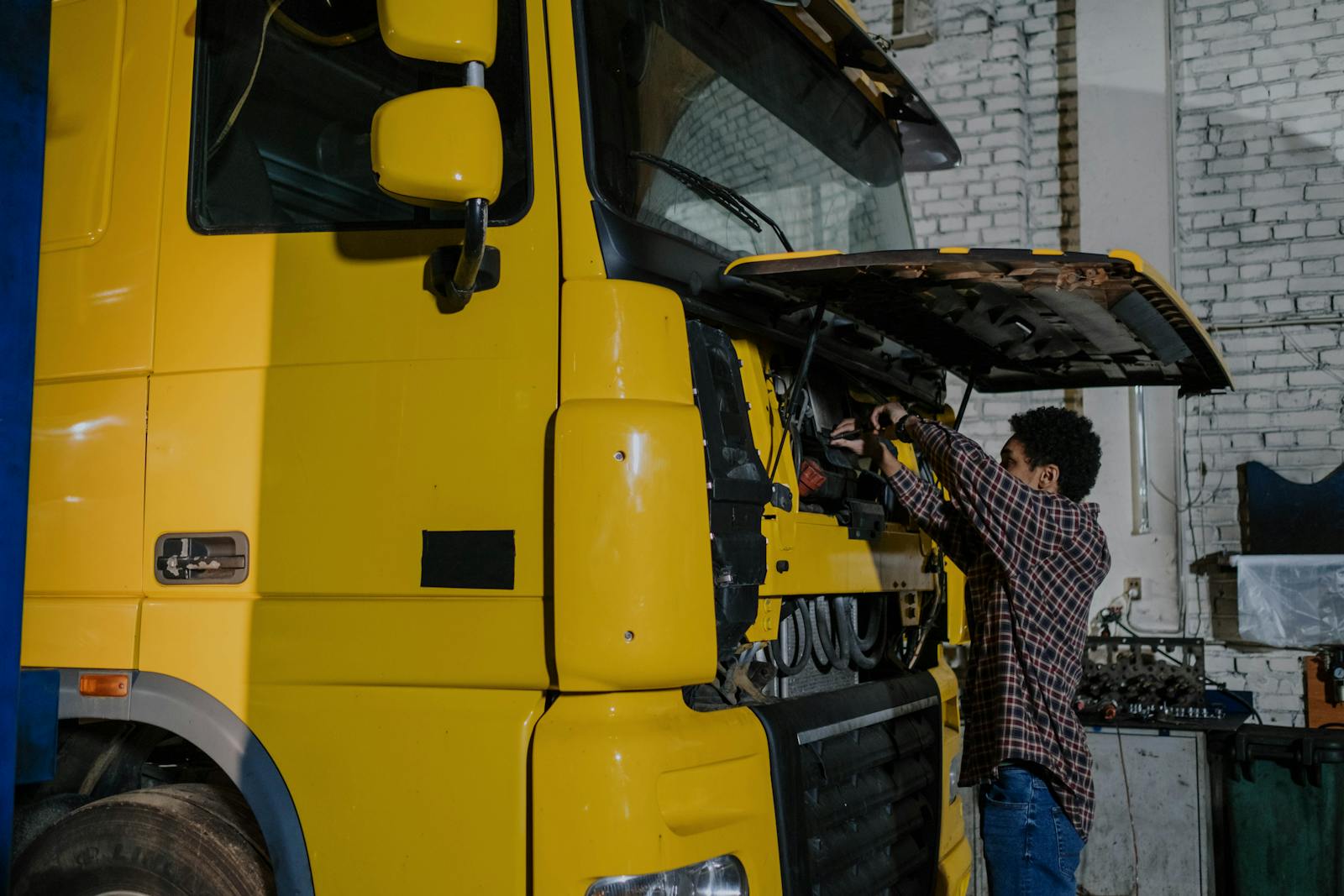
Heavy-Duty & Fleet Diagnostics: What Consumer OBD2 Misses
A landscaper calls. His F-450 dump truck is throwing a check-engine light, going into limp mode every Friday at 2pm without fail. He's already been to two mobile mechanics with consumer OBD2 scanners. Both of them plugged in, got "communication error" or generic emissions codes, shrugged, and charged him $80 for the visit. The truck is still broken. The landscaper is bleeding $1,200 a day in lost work.
You show up with a heavy-duty scan tool that speaks J1939 and SAE J1708. You pull a real fault, DEF dosing module pressure low, regen aborted at 60%, and walk through the active and historical codes module-by-module. You find a clogged DEF injector, swap it, run a forced regen, and clear the codes. Truck back on the road in 3 hours. Invoice: $1,400. Customer's a fleet account for life.
This is the gap. Consumer OBD2 reads emissions data from passenger cars and light trucks. Heavy-duty diesel engines, RVs, Class 8 trucks, and most fleet vehicles speak completely different protocols, and most mobile mechanics never realize how much money is sitting on the other side of that protocol gap. This article walks through what consumer OBD2 actually covers, what it misses, when it's worth investing in heavy-duty capability, and how a single fleet account can change your business.
What Consumer OBD2 Actually Reads
OBD2 (On-Board Diagnostics, Generation 2) is a federally mandated standard for emissions-related diagnostics on US passenger vehicles 1996 and newer. Every cheap Bluetooth ELM327 dongle and every $300 scanner at the auto parts store reads OBD2.
Here's what OBD2 covers, and only this:
- Powertrain emissions codes (P-codes), prefix P0 (generic) or P1 (manufacturer)
- Some basic chassis and body codes (B and C codes, limited support)
- Real-time data PIDs (RPM, vehicle speed, engine load, coolant temp, fuel trims, O2 sensors)
- Readiness monitor status (whether each emissions monitor has run)
- Freeze-frame data when a code set
- VIN and calibration ID
That's it. Trackara Pro's OBD2 module reads all of this via Bluetooth ELM327, it's deep, it has a full DTC database, and it covers 90%+ of what a mobile mechanic needs for passenger work. But it stops where the heavy-duty world begins.
What OBD2 Misses
The moment you plug into a 2008+ medium-duty or heavy-duty diesel, or a vehicle with a body-builder ECU, telematics module, after-treatment system, or commercial-grade transmission, OBD2 falls down hard. Here's the partial list of what consumer OBD2 cannot see:
Things consumer OBD2 doesn't read on heavy-duty vehicles
- Engine control modules on Class 4-8 trucks running J1939 (ISX, DD15, MaxxForce, Cummins B/L/X-series, PACCAR MX, International A26, Detroit DD13/15/16)
- After-treatment systems, DPF, DEF, SCR, NOx sensors, soot loading, regen status, urea quality
- Transmission codes on Allison, Eaton UltraShift, Volvo I-Shift, Mack mDRIVE
- ABS / brake system codes on Bendix, WABCO, Haldex platforms
- Body-builder modules on chassis like F-450/550, RAM 4500/5500, Isuzu N-series
- Hydraulic / PTO controls on dump trucks, lift gates, snow plows
- Coach modules on RVs (slide-outs, generator interlock, leveling)
- Some manufacturer-proprietary subsystems requiring OEM tools (forced regens, DPF resets, parameter changes, immobilizer keys)
Plug a $39 ELM327 into a Freightliner Cascadia and you'll either get nothing or a meaningless "no comm" error. The truck isn't broken. Your tool is on the wrong protocol.
The Protocols Heavy-Duty Vehicles Actually Speak
Skip this section if you don't care about the wire-level details. Read it if you're trying to figure out what tool to buy.
- SAE J1939, the dominant heavy-duty protocol on virtually all 2007+ Class 4-8 trucks, ag equipment, and most RV diesel chassis. Runs over CAN. Different speed (250 kbps standard, 500 kbps faster) and different message structure than OBD2.
- SAE J1708 / J1587, the older heavy-duty protocol, still found on pre-2007 trucks. Slower, simpler, but you still need a tool that speaks it.
- SAE J2534, the standard for ECU reflashing and OEM-style scan tools. Required for some forced regens and parameter changes.
- OEM-specific CAN buses, Cummins INSITE, Detroit DDDL, Volvo PTT, International ServiceMaxx, Caterpillar ET. Each has its own protocol layer on top of CAN.
- Navistar's hybrid stack, older International / Navistar trucks have their own quirks; some scan tools support them via dedicated modules.
Trackara Pro's heavy-duty diagnostics are coming soon and not available yet. J1939 support, with J1708 for older trucks, is on the Trackara Pro roadmap. What's live in the app today is standard Bluetooth OBD2 (ELM327) for light-duty vehicles, so for heavy-duty trucks you'll still need a dedicated J1939 scan tool for now.
When It's Worth Investing in Heavy-Duty Capability
Heavy-duty scan capability is more expensive than consumer OBD2, adapters that speak J1939 plus the right cable kits start around $600 and run into the low thousands for full OEM coverage. So the honest question is: when is it worth it?
Signals that heavy-duty diagnostics will pay for themselves quickly
- You service one or more diesel pickups (Powerstroke 6.7, Cummins 6.7, Duramax LML/LBZ/L5P) and current customers have been asking about DEF / DPF problems
- You have an RV customer base, many newer Class A and Class C diesels speak J1939
- A landscape, plumbing, HVAC, or construction company in your area runs five or more medium-duty trucks and currently uses a dealer for everything
- You see repeated "won't communicate" or "no codes" calls on heavy-duty vehicles you currently turn away
- Your nearest authorized dealer has a 2-3 week wait for fleet service (very common in 2024-2026)
- You're in a rural or semi-rural service area where the alternative is towing 90 minutes
If two or more of those apply, heavy-duty capability pays for itself in the first three months. If none apply, you don't need it yet, focus on building a strong passenger-vehicle base first.
How a Single Fleet Account Changes Your Business
The single best business reason to invest in heavy-duty diagnostics isn't the per-job invoice. It's that fleet accounts work differently from one-off jobs in three ways that compound over time:
1. Fleet accounts pay invoices on net terms, not on the spot
Most fleet customers run 30-day or 45-day net terms with a corporate AP department. This is fine for cash flow if you have any cushion, and it eliminates the "did the customer's card decline" problem. You send the invoice, you get paid on time. No chasing. (See mobile mechanic fleet accounts for the full A/R workflow.)
2. Fleet accounts schedule themselves
A landscape company with 8 trucks generates roughly 40-60 service tickets a year, distributed across the year. Once you're "their mobile mechanic," that work shows up on your schedule automatically, preventive maintenance, brake jobs, regens, the predictable seasonal stuff. You stop selling each visit; the work just appears.
3. Fleet accounts insulate you from market downturns
When DIY YouTube and inflation eat into your retail customer base, fleet customers are still running their trucks every day because their business depends on those trucks running. A solo mobile mechanic with two solid fleet accounts has a baseline floor that retail-only mechanics don't.
Real numbers: a single 8-truck landscape fleet typically generates $25,000-$60,000/year in service revenue, depending on the work mix. Two fleets of that size and you have $50K-$120K of recurring revenue before you take a single retail call.
Pricing Heavy-Duty Service Differently
Heavy-duty service should not be priced like passenger service. Reasons:
- Tool investment is higher; recovery rate per tool-hour has to be higher
- Parts are more expensive and lead times are longer; your time on the parts hunt is real labor
- The customer's downtime cost is much higher than a homeowner's, so they will pay more for fast turnaround
- Fleet customers expect a labor rate band that reflects commercial work
A reasonable structure: passenger labor rate $95-$135/hour, heavy-duty labor rate $135-$185/hour, with a separate "field service call" minimum (often $150-$250) when you're rolling a heavy-duty truck. Tracked separately in your analytics so you can see HD vs. passenger margins.
Try Trackara Pro
Run your retail and fleet work from one app: fleet accounts, HD-specific labor rates, fleet customer A/R, and per-vehicle service history, with built-in OBD2 for light-duty vehicles. Heavy-duty J1939 diagnostics are coming soon.
Start Your 14-Day Free TrialCard not charged until day 15 · Cancel anytime
The Three Most Common HD Diagnostic Calls
1. Aborted regen / DPF clogged
"Truck won't go over 30, says regen needed." On heavy-duty diesels with after-treatment, a series of aborted regens leads to DPF soot loading high enough to force limp mode. Consumer OBD2 sees nothing. A J1939-capable scan tool reads soot percentage, exhaust differential pressure, last regen status, and lets you initiate a forced parked regen. Time on-site: 60-90 minutes for a regen. Average bill: $300-$650.
2. DEF dosing / SCR fault
"Truck is counting down to derate." DEF dosing module faults, urea quality sensor failures, NOx sensor faults, SCR efficiency below threshold. Most are $200-$700 part swaps but they require scan-tool clearance after replacement, and they require seeing the fault tree on the heavy-duty side first.
3. Aftermarket cluster / chassis module faults
RV slide-out won't retract. Lift gate cycles randomly. Snow plow controller faults out under load. These are body-builder modules that share a CAN bus with the engine but need J1939-aware tools to diagnose. Customers running this equipment commercially will pay anything to get it fixed same-day.
What Not to Buy
Quick guide to avoiding wasted money:
- Don't buy a "heavy-duty OBD2 adapter" from a no-name brand for $80 on Amazon. Most are repackaged consumer dongles that lie about J1939 support.
- Don't buy a single-OEM tool (e.g., Cummins INSITE only) until you have at least one customer running that brand. OEM tools are powerful but narrow.
- Don't buy a $5,000 panel-truck-grade scanner as your first heavy-duty investment. A solid mid-range J1939 adapter + your phone running heavy-duty-aware software will cover 80% of what most fleet customers throw at you.
- Don't skip software subscriptions on whatever scan tool you buy. The hardware is the easy part; the data and fault libraries are the actual product.
Building the Fleet Customer Pipeline
Once you have heavy-duty capability, getting fleet customers is its own game. Quick playbook:
- Drive past job sites. Landscape and construction companies park their trucks at the same yards every night. Stop in. Hand a card. "I do mobile diesel work, if a truck goes down on a Friday afternoon, I can get you back on the road same day."
- Talk to parts counters. The diesel parts guys at NAPA Heavy-Duty, FleetPride, and Truckpro know which fleets are stuck waiting on dealer service. Tell them you do mobile work. They'll send referrals.
- Get on supplier networks. Many parts suppliers have a "preferred mobile mechanic" list for their commercial customers. Ask.
- Be the same-day option. Dealers are 2-3 weeks out. Be the answer to "we can't wait two weeks." Charge accordingly.
- Document everything. Fleet managers love clean records. Pair the diagnostic with a photo-documented inspection and a vehicle service file in your CRM.
What This Means for Your Business
Adding heavy-duty diagnostic capability is one of the higher-leverage investments a mobile mechanic can make in their second or third year. The tool cost is real, but the ceiling on a passenger-only mobile mechanic is fixed by how many oil changes you can fit in a day. The ceiling on a mechanic with even one solid fleet account is several times higher, more predictable, and more recession-proof.
If you're already turning down diesel pickups because your scanner can't talk to the truck, or if there's a five-truck landscape company three streets over that's burning weeks waiting for the dealer, the math has already made the case. The tool pays for itself; the customer relationships compound; and the day a passenger-only competitor shows up at the same fleet yard, you're already inside.